適切な types of cable markers can make a major difference in identification, maintenance, and long-term reliability. Whether your wires are already terminated, exposed to vibration, or likely to be reworked, the wrong marker can slip, fade, or fail when you need it most.
In this guide, you’ll learn how clip-on, slide-on, heat-shrink, tie-on, and wrap-around cable markers work, where each type fits best, and how to choose the right option for your cable run.
What Cable Markers Do in a Cable Run
Cable markers identify individual wires, cables, and cable groups throughout an installation. Clear legends, numbers, or symbols help technicians trace connections, verify terminations, and complete maintenance with less risk of error.
The right cable marker also supports orderly cable management. It keeps identification visible at the point of use, whether the wire is already terminated, exposed to movement, or installed in a demanding working environment. Different types of cable markers suit different installation stages, cable sizes, and durability requirements.
Clip-On Wire Markers: Post-Termination and Reusable
How Clip-On Cable Markers Attach to a Terminated Wire
Clip-on cable markers are designed for wires that are already terminated. The marker opens or clips around the cable, so there is no need to remove a terminal, connector, or cable tie before identification. This makes installation practical during maintenance, retrofits, and field rework.
The visible legend can show cable marker numbers, letters, or short circuit references, positioned where the number stays readable after the wire is dressed into the duct.
Reusability and Retention Under Vibration
A clip-on wire marker can usually be removed, repositioned, or replaced without disturbing the cable connection. This is useful when circuits change during commissioning or when equipment is serviced.
Retention depends on the marker’s fit around the wire and the level of movement in the application. On vibrating equipment, check that the marker remains securely clipped and does not slide into a position where the legend becomes difficult to read.
Where Clip-On Fits and Where It Does Not
Clip-on cable markers work well for:
Terminated wires that need fast identification
Maintenance and retrofit work
Temporary or changeable wire legends
Control panels, equipment wiring, and cable assemblies
They are less suitable where the marker must be permanently bonded to the cable or exposed to severe abrasion, chemicals, or continuous movement. In those conditions, a more secure marker construction may provide better long-term identification.
Slide-On Wire Markers: Pre-Termination and Permanent
Sleeve Mechanics and the Interlocking Variant
Slide-on wire markers are installed before a terminal, connector, or plug is fitted. The marker sleeve slides along the conductor and stays in position after termination. This makes it a practical choice for new control panels, machines, and harnesses where the wire can be accessed from the end.
An interlocking cable marker uses matching sections that connect around the wire. EC-J style markers use a chevron cut, and each character is hot-stamped into the PVC surface from 0-9 and A-Z, so the legend sits in the material rather than on it. Characters arrive on a marker carrier strip and snap together one at a time, so a multi-digit wire number can be built on site with no printer in the loop. That gives a more secure fit than a loose sleeve while keeping the legend aligned — see cURL Too many subrequests by single Worker invocation. To configure this limit, refer to https://developers.cloudflare.com/workers/wrangler/configuration/#limits. Choose the marker style according to the wire construction, available installation space, and required retention.
Matching Cable Marker Sleeve ID to Wire OD
ケーブルタイの inside diameter of the cable marker sleeve should match the wire’s outside diameter, including insulation. The working rule is that ID equals the OD, or exceeds it by no more than 0.5 mm. A sleeve tighter than the wire has to be stretched over the conductor, which distorts the legend horizontally and makes the numbers wider than they are tall. One that is much looser will rotate or slide along the run, and the print stops facing the reader.
cURL Too many subrequests by single Worker invocation. To configure this limit, refer to https://developers.cloudflare.com/workers/wrangler/configuration/#limits
cURL Too many subrequests by single Worker invocation. To configure this limit, refer to https://developers.cloudflare.com/workers/wrangler/configuration/#limits
cURL Too many subrequests by single Worker invocation. To configure this limit, refer to https://developers.cloudflare.com/workers/wrangler/configuration/#limits
cURL Too many subrequests by single Worker invocation. To configure this limit, refer to https://developers.cloudflare.com/workers/wrangler/configuration/#limits
cURL Too many subrequests by single Worker invocation. To configure this limit, refer to https://developers.cloudflare.com/workers/wrangler/configuration/#limits
cURL Too many subrequests by single Worker invocation. To configure this limit, refer to https://developers.cloudflare.com/workers/wrangler/configuration/#limits
cURL Too many subrequests by single Worker invocation. To configure this limit, refer to https://developers.cloudflare.com/workers/wrangler/configuration/#limits
cURL Too many subrequests by single Worker invocation. To configure this limit, refer to https://developers.cloudflare.com/workers/wrangler/configuration/#limits cURL Too many subrequests by single Worker invocation. To configure this limit, refer to https://developers.cloudflare.com/workers/wrangler/configuration/#limits cURL Too many subrequests by single Worker invocation. To configure this limit, refer to https://developers.cloudflare.com/workers/wrangler/configuration/#limits
cURL Too many subrequests by single Worker invocation. To configure this limit, refer to https://developers.cloudflare.com/workers/wrangler/configuration/#limits
cURL Too many subrequests by single Worker invocation. To configure this limit, refer to https://developers.cloudflare.com/workers/wrangler/configuration/#limits
cURL Too many subrequests by single Worker invocation. To configure this limit, refer to https://developers.cloudflare.com/workers/wrangler/configuration/#limits
cURL Too many subrequests by single Worker invocation. To configure this limit, refer to https://developers.cloudflare.com/workers/wrangler/configuration/#limits
cURL Too many subrequests by single Worker invocation. To configure this limit, refer to https://developers.cloudflare.com/workers/wrangler/configuration/#limits
cURL Too many subrequests by single Worker invocation. To configure this limit, refer to https://developers.cloudflare.com/workers/wrangler/configuration/#limits
cURL Too many subrequests by single Worker invocation. To configure this limit, refer to https://developers.cloudflare.com/workers/wrangler/configuration/#limits
cURL Too many subrequests by single Worker invocation. To configure this limit, refer to https://developers.cloudflare.com/workers/wrangler/configuration/#limits
cURL Too many subrequests by single Worker invocation. To configure this limit, refer to https://developers.cloudflare.com/workers/wrangler/configuration/#limits
cURL Too many subrequests by single Worker invocation. To configure this limit, refer to https://developers.cloudflare.com/workers/wrangler/configuration/#limits
cURL Too many subrequests by single Worker invocation. To configure this limit, refer to https://developers.cloudflare.com/workers/wrangler/configuration/#limits
cURL Too many subrequests by single Worker invocation. To configure this limit, refer to https://developers.cloudflare.com/workers/wrangler/configuration/#limits
cURL Too many subrequests by single Worker invocation. To configure this limit, refer to https://developers.cloudflare.com/workers/wrangler/configuration/#limits
cURL Too many subrequests by single Worker invocation. To configure this limit, refer to https://developers.cloudflare.com/workers/wrangler/configuration/#limits
cURL Too many subrequests by single Worker invocation. To configure this limit, refer to https://developers.cloudflare.com/workers/wrangler/configuration/#limits
cURL Too many subrequests by single Worker invocation. To configure this limit, refer to https://developers.cloudflare.com/workers/wrangler/configuration/#limits
cURL Too many subrequests by single Worker invocation. To configure this limit, refer to https://developers.cloudflare.com/workers/wrangler/configuration/#limits ケーブルタイラベルcURL Too many subrequests by single Worker invocation. To configure this limit, refer to https://developers.cloudflare.com/workers/wrangler/configuration/#limits
cURL Too many subrequests by single Worker invocation. To configure this limit, refer to https://developers.cloudflare.com/workers/wrangler/configuration/#limits
cURL Too many subrequests by single Worker invocation. To configure this limit, refer to https://developers.cloudflare.com/workers/wrangler/configuration/#limits
cURL Too many subrequests by single Worker invocation. To configure this limit, refer to https://developers.cloudflare.com/workers/wrangler/configuration/#limits
cURL Too many subrequests by single Worker invocation. To configure this limit, refer to https://developers.cloudflare.com/workers/wrangler/configuration/#limits
cURL Too many subrequests by single Worker invocation. To configure this limit, refer to https://developers.cloudflare.com/workers/wrangler/configuration/#limits
cURL Too many subrequests by single Worker invocation. To configure this limit, refer to https://developers.cloudflare.com/workers/wrangler/configuration/#limits types of cable markers cURL Too many subrequests by single Worker invocation. To configure this limit, refer to https://developers.cloudflare.com/workers/wrangler/configuration/#limits
cURL Too many subrequests by single Worker invocation. To configure this limit, refer to https://developers.cloudflare.com/workers/wrangler/configuration/#limits
cURL Too many subrequests by single Worker invocation. To configure this limit, refer to https://developers.cloudflare.com/workers/wrangler/configuration/#limits
cURL Too many subrequests by single Worker invocation. To configure this limit, refer to https://developers.cloudflare.com/workers/wrangler/configuration/#limits
Rework
Relative cost
Clip-on cable markers
After termination
Spring tension on the jacket
Easy to remove and reposition
低から中程度
Slide-on wire markers
Before termination
Friction along the sleeve length
Limited after assembly
低
Heat-shrink wire markers
Usually before termination
Recovered diameter gripping the jacket
Not normally reusable
中程度
Tie-on cable markers
Before or after termination
Cinch around the cable or bundle
Generally easy to replace
低から中程度
Wrap-around wire labels
After termination
Adhesive plus a laminated tail
Easy to replace, but not usually reusable
低
Pre-Termination vs Post-Termination
Slide-on と heat-shrink cable markers are normally fitted before a connector, terminal, or gland is installed. This gives a neat, stable result, but the marker must be selected and positioned during assembly. Removing a terminal may be necessary when the legend needs to be changed later.
Clip-on cable markers, tie-on markers, and wrap-around labels can be installed after the wire is already terminated. They suit maintenance work, completed control panels, and field identification because they reduce disassembly time. Their main limitation is that retention and durability depend on the marker design and the service environment.
Durability, Reusability and Relative Cost
Best for quick rework: Clip-on and tie-on markers are easier to remove or replace.
Best for a permanent fit: Heat-shrink markers provide a close, bonded sleeve after shrinking.
Best for simple installation: Slide-on markers offer a straightforward option when fitted before termination.
Best for temporary or changing identification: Wrap-around wire labels are quick to apply and replace.
cURL Too many subrequests by single Worker invocation. To configure this limit, refer to https://developers.cloudflare.com/workers/wrangler/configuration/#limits
cURL Too many subrequests by single Worker invocation. To configure this limit, refer to https://developers.cloudflare.com/workers/wrangler/configuration/#limits
cURL Too many subrequests by single Worker invocation. To configure this limit, refer to https://developers.cloudflare.com/workers/wrangler/configuration/#limits
cURL Too many subrequests by single Worker invocation. To configure this limit, refer to https://developers.cloudflare.com/workers/wrangler/configuration/#limits
cURL Too many subrequests by single Worker invocation. To configure this limit, refer to https://developers.cloudflare.com/workers/wrangler/configuration/#limits
cURL Too many subrequests by single Worker invocation. To configure this limit, refer to https://developers.cloudflare.com/workers/wrangler/configuration/#limits
cURL Too many subrequests by single Worker invocation. To configure this limit, refer to https://developers.cloudflare.com/workers/wrangler/configuration/#limits
cURL Too many subrequests by single Worker invocation. To configure this limit, refer to https://developers.cloudflare.com/workers/wrangler/configuration/#limits
cURL Too many subrequests by single Worker invocation. To configure this limit, refer to https://developers.cloudflare.com/workers/wrangler/configuration/#limits types of cable markers cURL Too many subrequests by single Worker invocation. To configure this limit, refer to https://developers.cloudflare.com/workers/wrangler/configuration/#limits
cURL Too many subrequests by single Worker invocation. To configure this limit, refer to https://developers.cloudflare.com/workers/wrangler/configuration/#limits
cURL Too many subrequests by single Worker invocation. To configure this limit, refer to https://developers.cloudflare.com/workers/wrangler/configuration/#limits
cURL Too many subrequests by single Worker invocation. To configure this limit, refer to https://developers.cloudflare.com/workers/wrangler/configuration/#limits
cURL Too many subrequests by single Worker invocation. To configure this limit, refer to https://developers.cloudflare.com/workers/wrangler/configuration/#limits
cURL Too many subrequests by single Worker invocation. To configure this limit, refer to https://developers.cloudflare.com/workers/wrangler/configuration/#limits
cURL Too many subrequests by single Worker invocation. To configure this limit, refer to https://developers.cloudflare.com/workers/wrangler/configuration/#limits
cURL Too many subrequests by single Worker invocation. To configure this limit, refer to https://developers.cloudflare.com/workers/wrangler/configuration/#limits
cURL Too many subrequests by single Worker invocation. To configure this limit, refer to https://developers.cloudflare.com/workers/wrangler/configuration/#limits
cURL Too many subrequests by single Worker invocation. To configure this limit, refer to https://developers.cloudflare.com/workers/wrangler/configuration/#limits
cURL Too many subrequests by single Worker invocation. To configure this limit, refer to https://developers.cloudflare.com/workers/wrangler/configuration/#limits
cURL Too many subrequests by single Worker invocation. To configure this limit, refer to https://developers.cloudflare.com/workers/wrangler/configuration/#limits
cURL Too many subrequests by single Worker invocation. To configure this limit, refer to https://developers.cloudflare.com/workers/wrangler/configuration/#limits
cURL Too many subrequests by single Worker invocation. To configure this limit, refer to https://developers.cloudflare.com/workers/wrangler/configuration/#limits cURL Too many subrequests by single Worker invocation. To configure this limit, refer to https://developers.cloudflare.com/workers/wrangler/configuration/#limits
cURL Too many subrequests by single Worker invocation. To configure this limit, refer to https://developers.cloudflare.com/workers/wrangler/configuration/#limits cURL Too many subrequests by single Worker invocation. To configure this limit, refer to https://developers.cloudflare.com/workers/wrangler/configuration/#limits
cURL Too many subrequests by single Worker invocation. To configure this limit, refer to https://developers.cloudflare.com/workers/wrangler/configuration/#limits cURL Too many subrequests by single Worker invocation. To configure this limit, refer to https://developers.cloudflare.com/workers/wrangler/configuration/#limits
cURL Too many subrequests by single Worker invocation. To configure this limit, refer to https://developers.cloudflare.com/workers/wrangler/configuration/#limits cURL Too many subrequests by single Worker invocation. To configure this limit, refer to https://developers.cloudflare.com/workers/wrangler/configuration/#limits
cURL Too many subrequests by single Worker invocation. To configure this limit, refer to https://developers.cloudflare.com/workers/wrangler/configuration/#limits
cURL Too many subrequests by single Worker invocation. To configure this limit, refer to https://developers.cloudflare.com/workers/wrangler/configuration/#limits
cURL Too many subrequests by single Worker invocation. To configure this limit, refer to https://developers.cloudflare.com/workers/wrangler/configuration/#limits
よくある質問
Can clip-on cable markers be reused on different wires?
cURL Too many subrequests by single Worker invocation. To configure this limit, refer to https://developers.cloudflare.com/workers/wrangler/configuration/#limits Clip-on cable markers cURL Too many subrequests by single Worker invocation. To configure this limit, refer to https://developers.cloudflare.com/workers/wrangler/configuration/#limits
Which cable marker type is best for outdoor use?
cURL Too many subrequests by single Worker invocation. To configure this limit, refer to https://developers.cloudflare.com/workers/wrangler/configuration/#limits cURL Too many subrequests by single Worker invocation. To configure this limit, refer to https://developers.cloudflare.com/workers/wrangler/configuration/#limitscURL Too many subrequests by single Worker invocation. To configure this limit, refer to https://developers.cloudflare.com/workers/wrangler/configuration/#limits
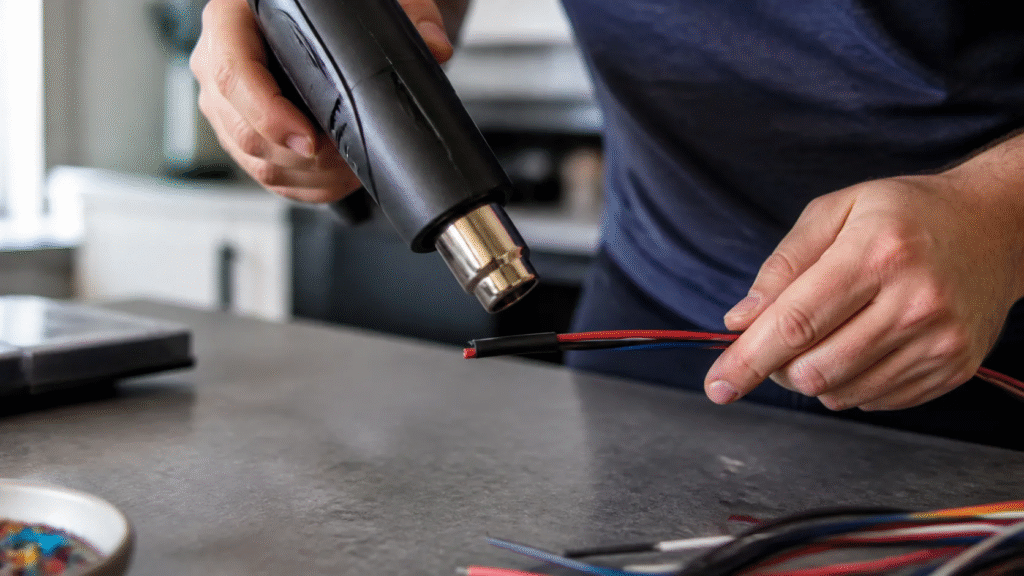
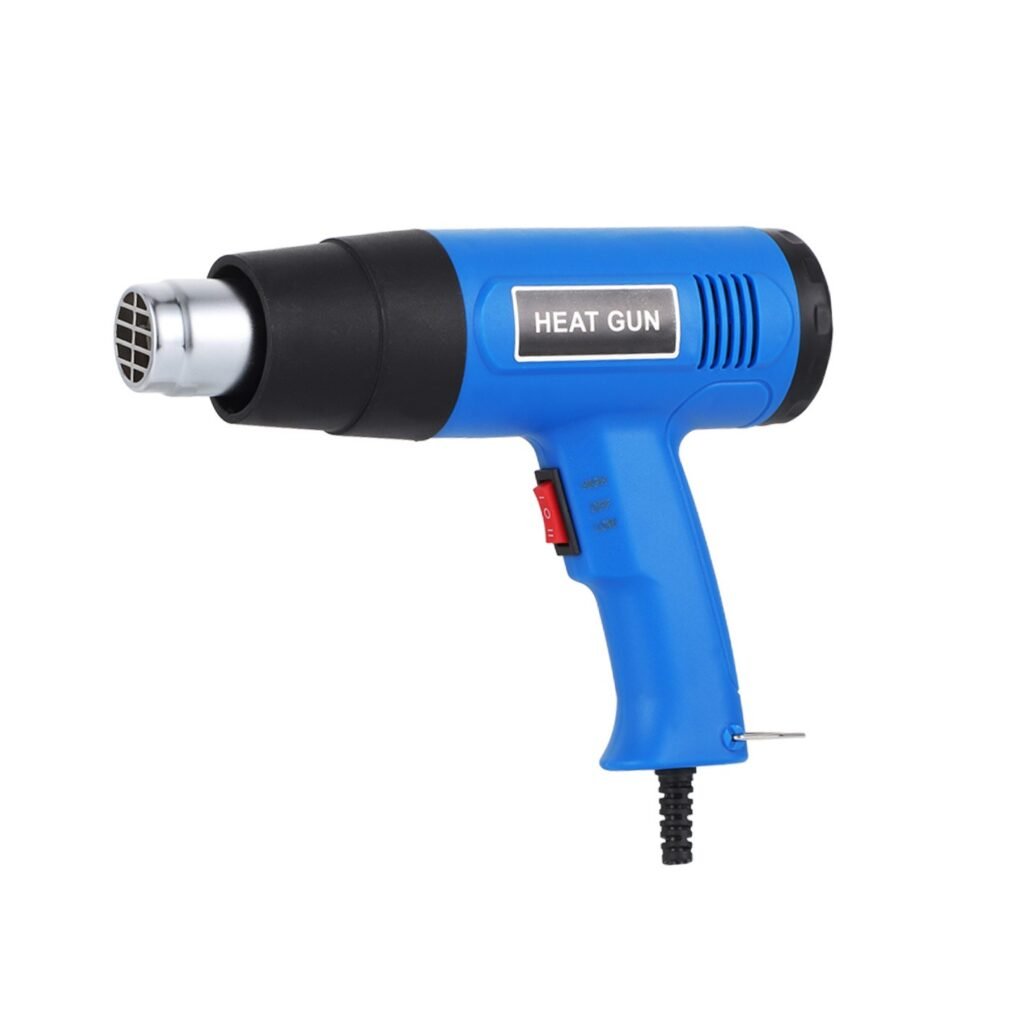
Do heat-shrink markers need a special heat gun?
cURL Too many subrequests by single Worker invocation. To configure this limit, refer to https://developers.cloudflare.com/workers/wrangler/configuration/#limits
What is the difference between a cable marker and a wire marker?
cURL Too many subrequests by single Worker invocation. To configure this limit, refer to https://developers.cloudflare.com/workers/wrangler/configuration/#limits cURL Too many subrequests by single Worker invocation. To configure this limit, refer to https://developers.cloudflare.com/workers/wrangler/configuration/#limits cURL Too many subrequests by single Worker invocation. To configure this limit, refer to https://developers.cloudflare.com/workers/wrangler/configuration/#limits ケーブルマーカー cURL Too many subrequests by single Worker invocation. To configure this limit, refer to https://developers.cloudflare.com/workers/wrangler/configuration/#limits
How do you choose a wire marker sleeve size?
cURL Too many subrequests by single Worker invocation. To configure this limit, refer to https://developers.cloudflare.com/workers/wrangler/configuration/#limits
ワンドゥについて — Zhejiang Wandu Plastic Co., Ltd. has produced nylon cable ties in Yueqing, Zhejiang, China since 2011. Our ISO 9001 certified factory runs 10 high-speed injection moulding machines and 8 professional cable tie test benches, covering nylon cable ties, stainless steel cable ties, cable clips, cable glands and spiral wrap. Products are CE and RoHS compliant and ship to buyers in 50+ countries. Every technical question below is answered by our own engineering team.



 JA
 EN
 AR
 ES
 PT
 FR
 RU
 DE
 KO
 IT
 NL
 TR